 Cartoon from your photosYour story, starring you
 Personal song giftAbout your person, with their name
 Telegram stickersYour family as a sticker pack
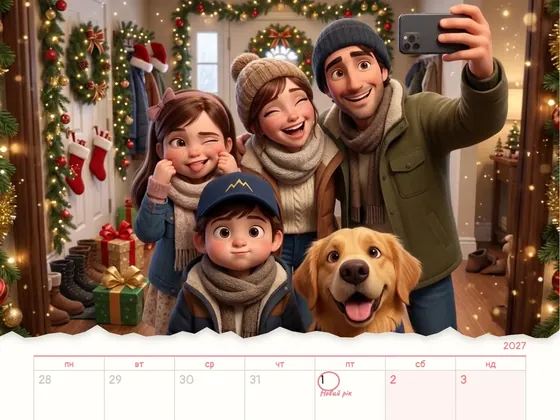 Calendar 202712 scenes of the year starring you
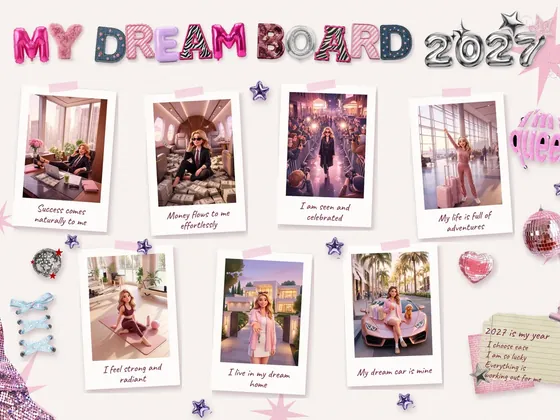 Vision board 2027A moodboard and video with you
AI video for business is a commercial, brand film or product video where every frame is created by video generation rather than a camera on set. There is no shoot day: the location, lighting, characters and camera moves are defined in the script and style frames, and the scenes are generated under a director's control. Below: what you can actually control in this kind of video, which formats brands order, how the work runs, and when traditional production is still the better call.
The short answer: what AI video for brands really is
AI video for brands is not «type a prompt and get something pretty». It is directing, moved into video generation. The idea, script, shot list, camera moves, edit, voice-over and music work the same way as in a traditional commercial. Only the way you get each shot changes: instead of renting a location, casting, booking gear and hiring a crew, scenes are generated from approved style frames.
The difference between hobby generation and a real commercial is control. Plain generation is a lottery: the model decides where the camera goes, what the character does and how their face drifts from shot to shot. In professional AI video all of this is set in advance and held to the last frame: the same character in the same outfit, your product without distortion, and the lighting and mood you signed off on at the start.
For a business this means three things: commercial-grade footage without a shoot day, any location or era without travel or permits, and several versions of one video - for different languages and platforms - from a single project.
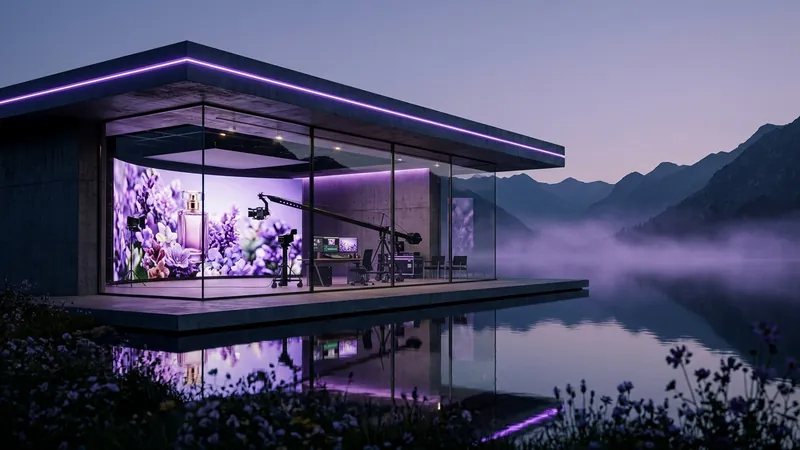
What you can control in AI video
These four things are what separate an AI commercial from a random model output. Since 2024 Milodia has made 340+ AI films, and the main lesson is simple: quality depends less on the model than on how tightly the team controls each of these points.
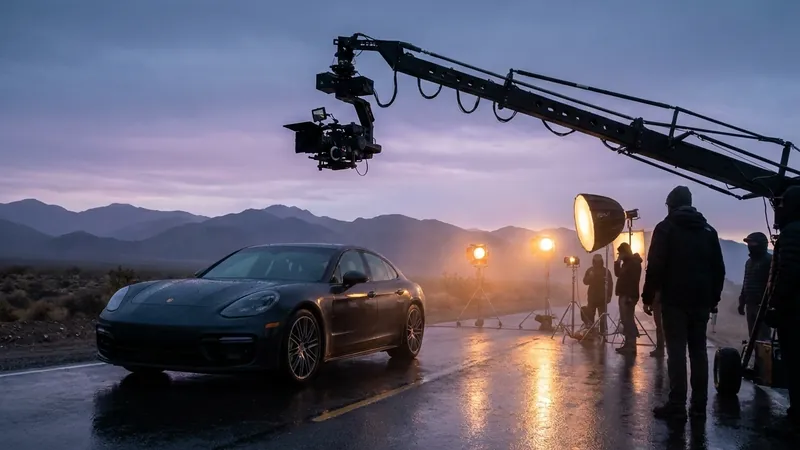
1Camera
A push-in on the product, an orbit around the subject, a drone-style fly-through, a crane move from a detail to the whole scene, a tracking shot, a focus pull. The move is chosen for the job: a push-in leads the eye to what matters, an orbit shows the product from every side, a fly-through shows the scale of the business.
2Characters
Actions, gestures, emotions, eyeline. Above all, consistency: the same character with the same face, hair and wardrobe from the first frame to the last. Without it, even beautiful shots never add up to a story.
3Locations
Any place, era, season and light: from a mountain lake to your own office, store or factory, recreated from photos. Golden-hour light no longer depends on the weather forecast.
4Interaction
A character picks up the product, opens a door, hands over a gift, gives a hug. Touch and moving objects are the hardest part for AI models, and this is exactly where a team's level shows: the object does not «melt» in someone's hands or change shape.
AI video formats for business
The same tools work across formats, from a short ad for paid social to a full company film. Here is what brands order most often.
5A 15-60 second commercial
For Reels, YouTube, TV and in-store screens. One idea, a strong opening shot and a payoff with the product or logo. You can see examples on the Milodia Studio page. See the work
6A 1-3 minute brand film
The company's story, values, people and production - everything that doesn't fit into a pitch deck. Works on your website, on YouTube, at events and in partner meetings.
7Product video
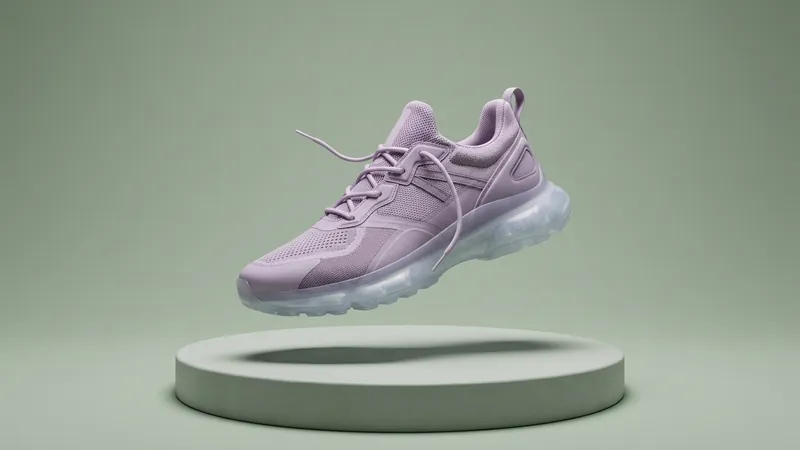
Your product shot like a big-budget ad: macro, light, motion. Good photos of the product from several angles are enough to start - shape, texture and color have to stay recognizable in every scene.
8UGC-style video for social
The «someone filming themselves on their phone» look, with your product in hand. It feels native in Reels, TikTok and Shorts feeds and is easy to produce in several variants for testing. More on UGC
93D mascot and series
A brand character who lives in your videos, social feeds and packaging. The character is designed once and then appears in new scenes without changing how it looks.
10Corporate greetings
New Year, a company anniversary, a team celebration. Your people and office on screen - from photos - for clients, partners and employees. Holiday video ideas
How the work runs: from brief to master
The core principle: you see and approve every stage before production, so the final cut is never a surprise. A typical process looks like this.
11Brief
The goal, the audience, where the video will run and the must-haves: product, logo, tagline, people. A few lines of text or a short call is enough to start.
12Concept and script
The story, the voice-over, the shot list and camera moves. This is where you decide what the viewer should feel and remember - and where changes are easiest.
13Style frames
Key frames of the future film in final color and light. You approve the characters, locations and mood before any video is generated - and that is what takes the lottery out of it.
14Controlled generation
Scenes are generated from the approved frames: camera, character action, lighting and interaction with the product. Weak takes are discarded, and only the ones that match the plan go into the edit.
15Voice, music and sound
A professional voice-over, music and sound design. Voice-over is available in Ukrainian, English and other languages, so one video easily gets several language versions.
16Master and cutdowns
A 16:9 master for YouTube, your website and presentations, 9:16 for Reels, TikTok and Shorts, and 1:1 for the feed. All versions come from one project, with no reshoot.
How AI video differs from a traditional shoot
In traditional production every scene means a location, permits, gear rental, casting, a crew and the mercy of the weather. A reshoot means another shoot day, and another language means a new voice-over and a new edit.
With AI video those limits go away: any location, era or season, your people and product on screen from photos, and scene changes without sending a crew back out. That makes the format especially useful when you need lots of variants: seasonal versions, cuts for different markets, tests of different opening shots in your ads.
It is worth knowing the limit, too: AI video does not replace the work on the idea. If there is no story, generation just makes the emptiness prettier. A strong result always starts with the script, not with the choice of model.
When traditional production is still better
To be honest, AI video is not right for every brief. There are cases where a camera and real people deliver a better result.
17Real testimonials and interviews
When the value of the video is a real person speaking for themselves: a customer, a founder, a doctor, an expert. Trust here rests on authenticity, and generation cannot replace it.
18Event coverage
A conference, an opening, a keynote - something that actually happened. That gets filmed on site; generated scenes can at most add an intro or title cards in the edit.
19Precise technical demos
A software interface, small print on a label, complex mechanics where every detail has to match reality exactly. AI models can distort fine details, so for tutorials and technical walkthroughs a real shoot or a 3D render is more reliable.
20Documentary credibility
When viewers need to be sure they are seeing reality: social impact projects, reports, news. A generated shot can undermine trust here.
21A hybrid format
Often the best answer is to combine both: film the founder's interview on camera and generate the brand story, the production line or the product in cinematic scenes.
Frequently asked questions
Is this shot on camera or generated?
Generated: every frame is created by AI models, but from a script and approved style frames. The team sets the camera moves, character action, location and interaction, while the edit, color grade, voice-over and sound are done just as in a traditional commercial. That is why there is no shoot day.
Can you make a video with our product, office or people?
Yes, from photos. Shoot the product from several angles in even light, the space in wide shots and details, and people in clear portraits. Make sure everyone whose face will appear in the video has given consent.
How much does AI video for business cost?
It depends on the length, the number of scenes, the style and how many versions you need - languages and platforms. There is no universal «price per minute». At Milodia Studio we send a concept, plan and estimate after the brief, so you see the cost before production starts.
Which languages can the voice-over be in?
Ukrainian, English and other languages, with professional voices. One video can be made in several language versions: the picture stays the same, while the voice, subtitles and, if needed, on-screen text change.
How do you avoid the «generic AI video» look?
Insist on approving style frames before generation. The «plastic» look appears when footage is generated without a script and without control over the characters. Signs of professional work: faces that stay consistent between scenes, a product without distortion, purposeful camera moves and sound designed for the picture.